
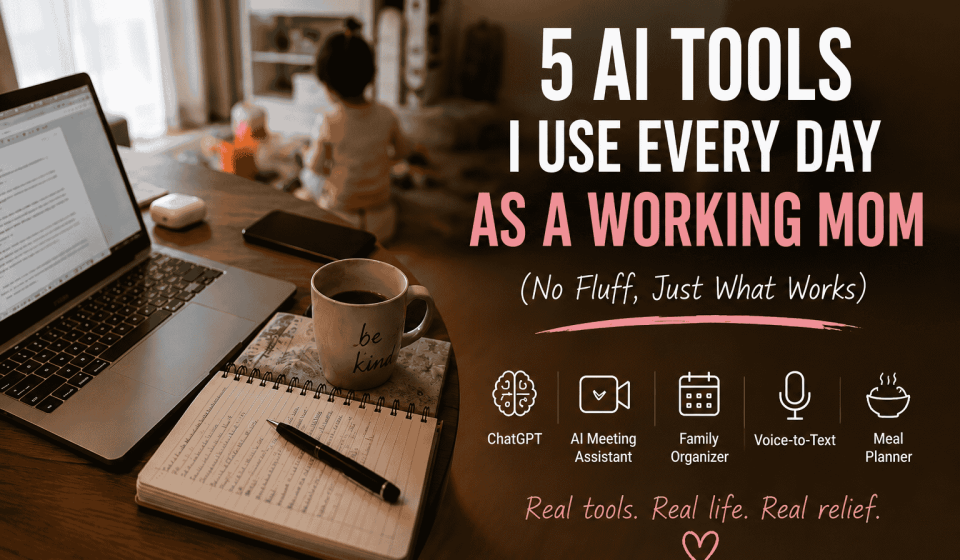

Five AI tools made the cut: ChatGPT, a meeting assistant, a family organizer app, a dictation tool, and a meal-planning tool. One “do-everything” family AI app got deleted after three weeks.
I didn’t decide to use these 5 AI tools or build an AI routine. It happened on a Tuesday when I had a cover story due, the school WhatsApp group was melting down over a costume I hadn’t bought yet, and my toddler had cancelled naps for the week.
Somewhere between missing a deadline and forgetting to defrost dinner for the third night running, I started leaning on AI. Not to be cutting-edge about it, I just ran out of hands. Some of it stuck. This isn’t a roundup of the top five Google results. It’s what’s still open on my phone a year later.
The Quick List of AI Tools
- ChatGPT: writing, decision fatigue. Around 30 to 45 minutes a day saved.
- Meeting assistant: catches what I miss on calls.
- Family organizer app: I’m not the only human calendar anymore.
- Voice-to-text: works when my hands don’t.
- Meal-planning tool: kills the 5 p.m. “what are we eating” panic.
Why I Even Started
Working from home with two kids doesn’t mean flexible hours. It means every hour’s up for negotiation and none are really yours. There’s the actual job, and then there’s the other one underneath it: remembering things, noticing the permission slip is due before anyone else does.
It’s not just me imagining it. Studies keep showing mothers carry most of that invisible load, even when both parents work full-time. One recent U.S. survey found over 80% of parents now use AI for parenting tasks, close to half of them weekly, and most said it eased that load.
The 5 AI Tools I Actually Use Daily as a Working Mom
1. ChatGPT
I use ChatGPT like a sharp colleague who never gets tired of my questions. Before a tricky email, before I start a feature, before I respond to something in the class WhatsApp group that’s clearly designed to start a fight, I run it by ChatGPT first. It doesn’t write for me. It gets me unstuck, which is most of the battle.
Worth about 30 to 45 minutes a day, mostly clawed back from nap time. It has no idea what my editor wants, though, and I don’t trust it near a number or a quote without checking myself first.
2. A Meeting Assistant
Some tools join your calls, transcribe them, and pull out the decisions and action items. I skim the summary, catch what I missed during the inevitable toddler interruption, and move on with my day.
The real win isn’t the time. It’s not lying awake wondering if I missed something important. It flattens tone occasionally, so anything genuinely high-stakes still gets a rewatch.
3. A Family Organizer App
For a long time I was the household’s entire memory. Pickup times, the dentist, whose turn for snack day. Apps that let you forward a school newsletter and pull the actual dates out have taken that off my plate. It only works if the other parent actually opens the app, though. The tech is the easy part.
4. Voice-to-Text
I talk, the voice to text app types, it frame emails while nursing, replies while cooking. A half-formed thought while pushing a stroller that would have evaporated otherwise.
It’s less about speed for me and more about access. It opens up chunks of the day that used to be off-limits. Background noise wrecks the accuracy, so everything gets a once-over before it goes out.
5. Meal Planning
I tell it what’s in the fridge, and it builds a few days of meals and flags what’s missing. There is not very brilliant but it makes my things consistent, and consistent beats brilliant on a weeknight.
Saves at least one what are we even eating meltdown a week. It repeats itself without a nudge toward variety, and it has zero awareness that my younger one treats anything green as a personal insult.
The One I Stopping Using
I tried an all-in-one family assistant app: reminders, chores, scheduling, all handled conversationally, like a digital co-parent. They should perfect but they lasted just for three weeks.
The AI wasn’t the problem. It became one more thing to manage: updating it, phrasing requests just right so it would understand, checking it hadn’t quietly dropped a reminder. It didn’t remove work.
My test now for any new tool: is this actually taking something off my plate, or just moving the plate?
AI Helps. It Doesn’t Fix Anything.
None of this replaces a partner who pulls their weight, a support system, or more hours in the day. It’s taken some of the smaller weight off so I’ve got more left for what needs me.
Don’t start with all five AI tools. Start with one. Pick whatever drains you most and see if it earns its place before you add another.
Commonly Asked Questions
Should I give my kids’ info into AI tools?
Skip full names, schools, addresses, anything medical. Nicknames is fine. Make sure to check the privacy policy first.
Do I have to pay for AI tools for daily use?
Not at the beginging. Free versions cover most of the features. But if you wish to have more features, you can go for a premium plan and pay.
What AI tools do we use every day?
ChatGPT, Google Gemini are some common AI tools we use on every day basis.
Which is better in ChatGPT vs. a family organizer app?
ChatGPT is for thinking out loud. Organizer apps handle what needs updating over time.


[…] If this resonated, you may also want to read what I’m unlearning as a working mom of two, how I actually work from home with a toddler, or the 5 AI tools I use every day as a working mom. […]